From your fridge to tonight’s dinner.
Meal ideas from the food you have. A Shopping List right on your fridge door. A clearer path to dinner.
See what’s new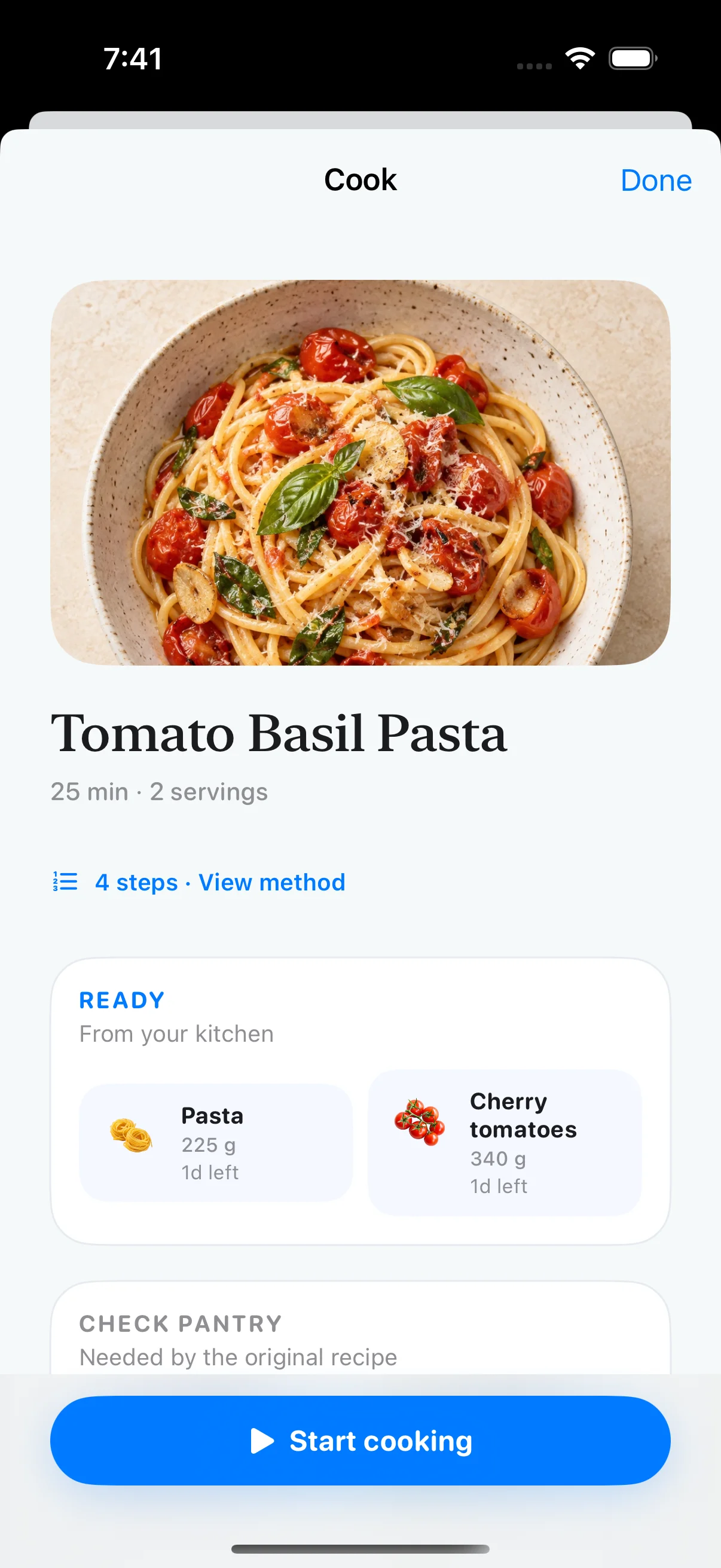
Knowing what’s in your kitchen is a good start. Frespace 1.2.0 helps you turn those ingredients into a meal and brings your Shopping List onto the Home screen, with a clearer path from planning your next shop to finishing dinner.
Let your ingredients lead the way.
Open Meal ideas to discover recipes matched to the food in your fridge and pantry. Three collections help you choose a starting point: use something soon, work with what’s already there, or keep dinner quick.
Recommendations change with your active inventory. Expired items don’t count toward a match. Before cooking, check the amounts you have and any pantry staples the recipe calls for.
- Use soon
- Start with an ingredient that needs using in the next two days.
- No shopping
- Find recipes whose core ingredients are already tracked in your kitchen.
- Quick
- Explore matching meal ideas with a cooking time of 15 minutes or less.
Shopping List, right on your fridge.
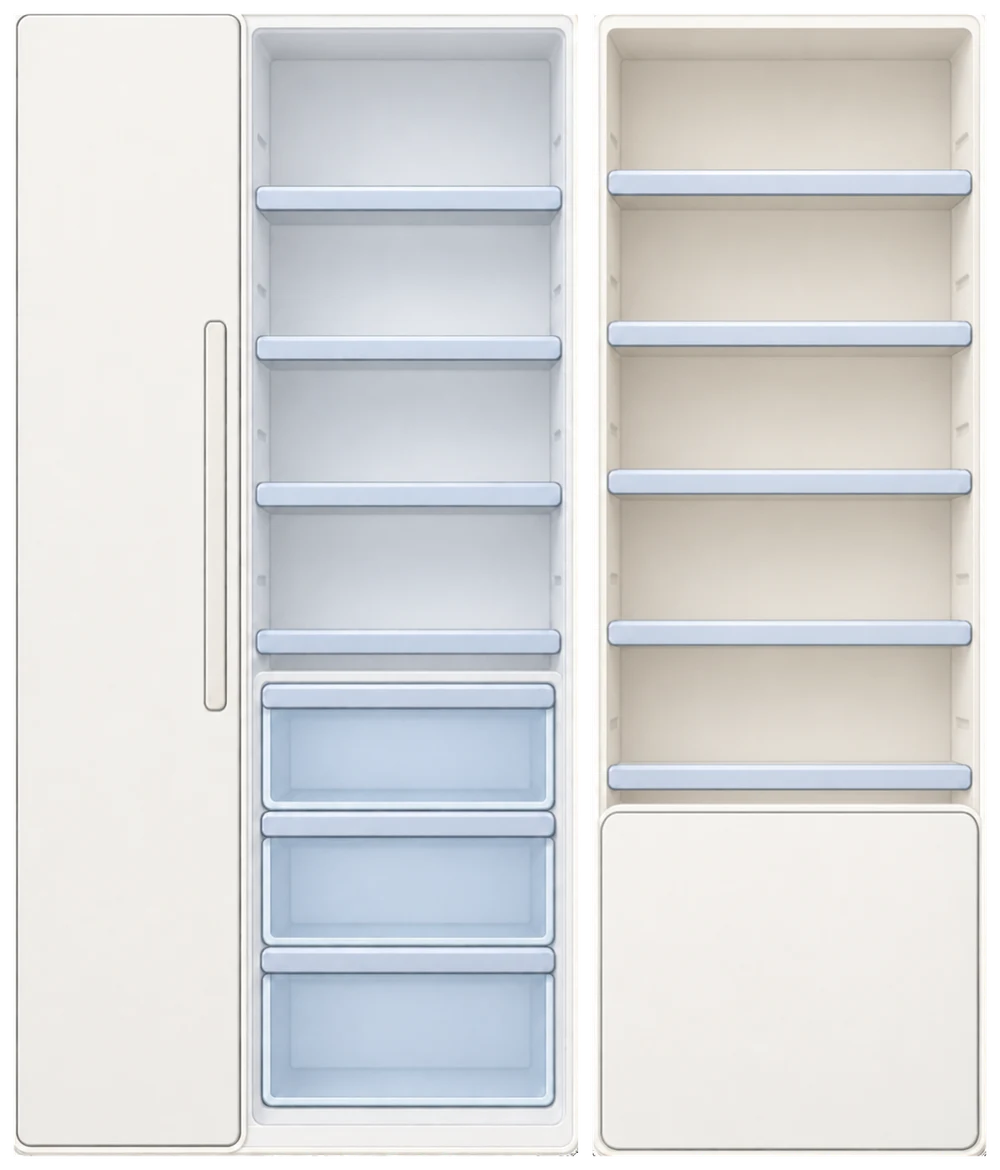
Your next grocery trip now has a place on the Home screen. A shopping note on your fridge door keeps the items you still need close to the food you already have.
Inside the list, type or speak what you need and check off items as you shop. The refreshed Home entry makes that familiar list easier to find and follow.
- See what’s left to buy
- The note shows your unchecked item count and a short preview of the list.
- Open it from Home
- Tap the shopping note on the fridge door to go straight to your full Shopping List.
- Follow changes at a glance
- The Home note updates as your list changes, keeping the remaining items in view.
○ Milk○ Apples○ +1 more♡
A short list for what’s missing.
Found something you’d like to make? See which ingredients you already have and which you still need. Add the missing ingredients straight to your Shopping List, without adding the same recipe ingredient twice.
Open your list from the recipe or return to the shopping note on Home. The ingredients you add are kept in the same list.
Follow the recipe-to-list flow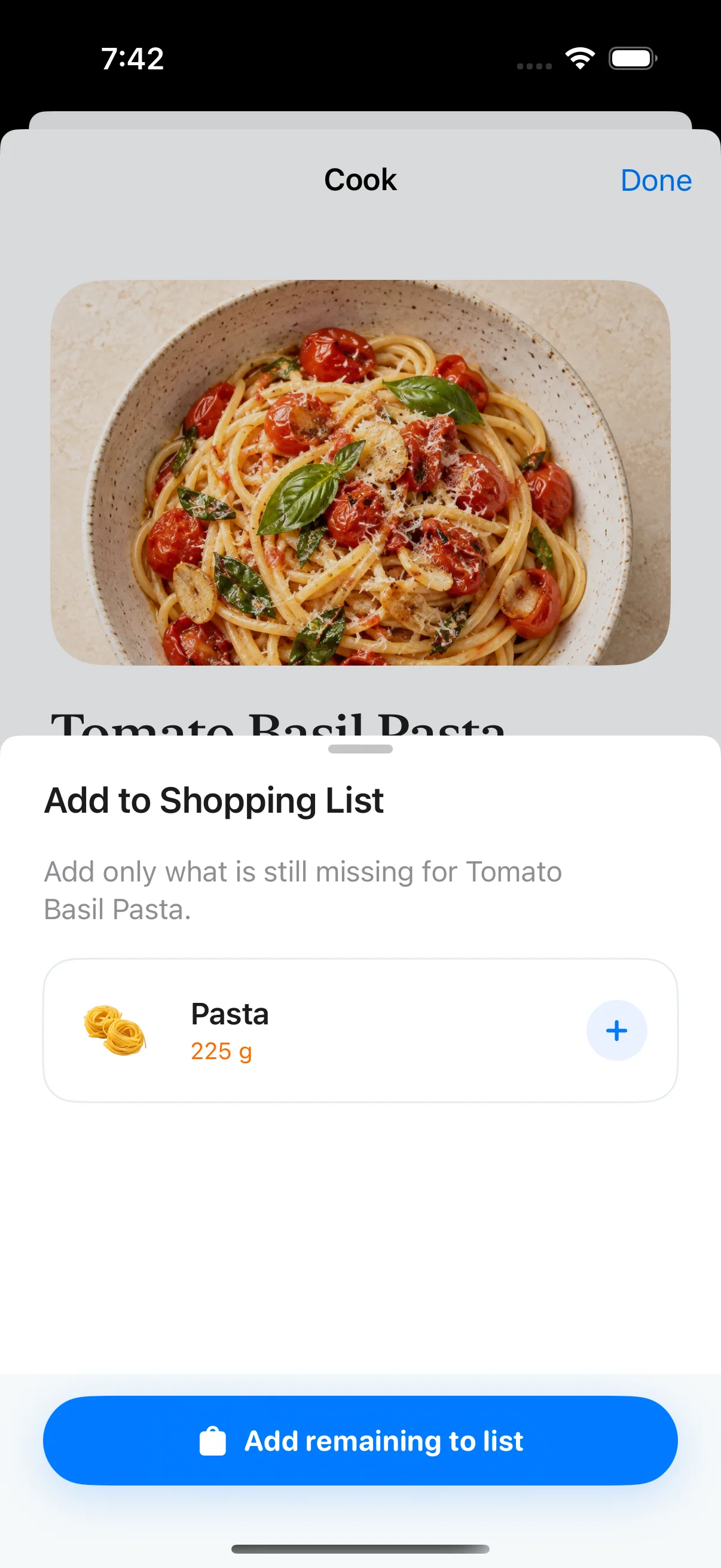
Make dinner. Keep your kitchen up to date.
The Cook view brings ingredients, amounts and cooking steps together, with a link to the original recipe when you want more detail.
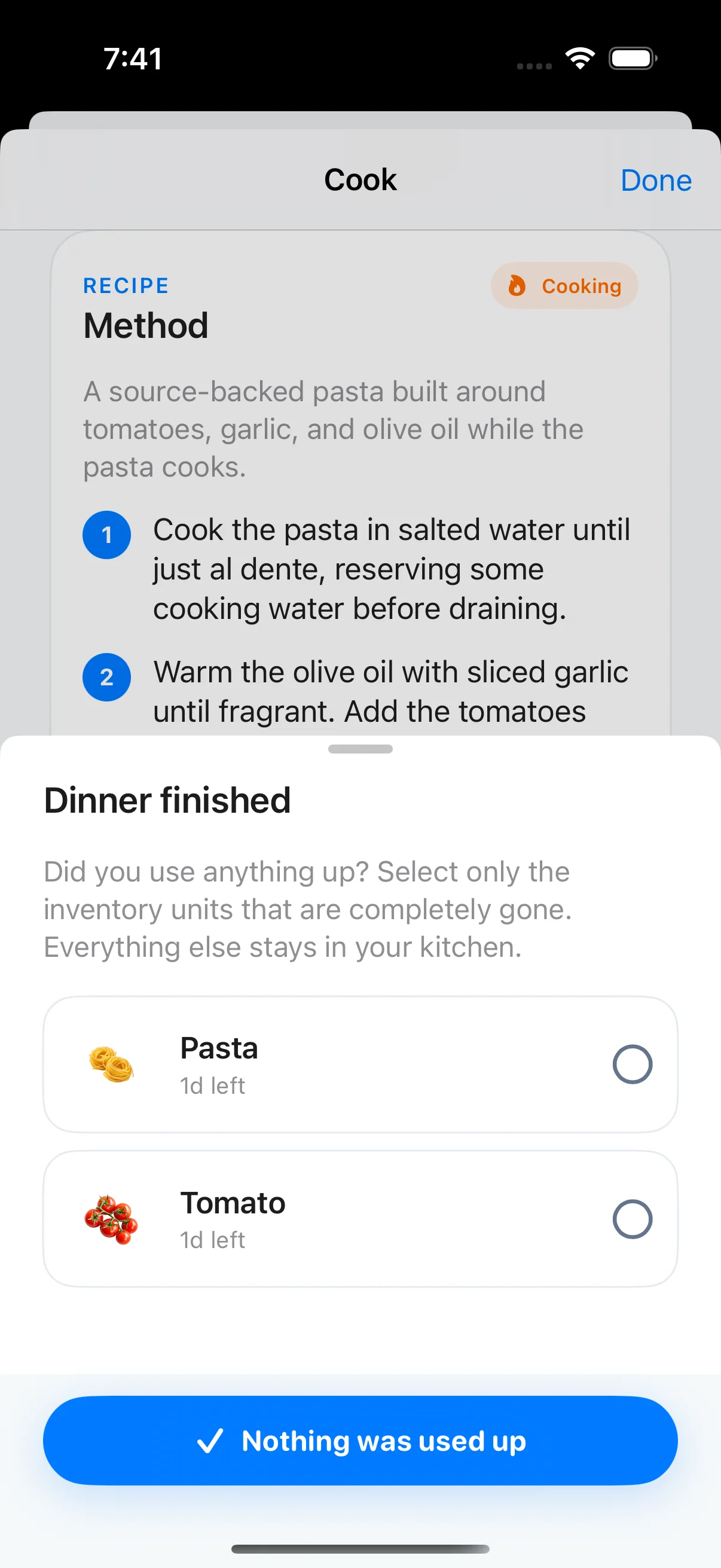
When you finish, choose the individual inventory items you completely used up. Everything else stays in your kitchen. You can also finish without changing any inventory.
The smaller things,
made a little better.
- A clearer first hello
- A new visual walkthrough connects scanning groceries, tracking freshness, finding a meal and building your shopping list.
- Smoother inventory actions
- More reliable swipe actions and long-press selection, with better preservation of your inventory page state.
- More considered Home prompts
- Guidance and messages now work together more smoothly as you move through the app.