Find dinner ideas from the food you have.
Meal Ideas matches the ingredients in your fridge and pantry to recipes you can make. See what fits, what needs using, and what you still need.
Introduced in Frespace 1.2.0. See the update
What should we make tonight?
Use soon picks
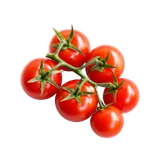 Cherry tomatoes1 day left
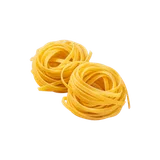 PastaIn your kitchen
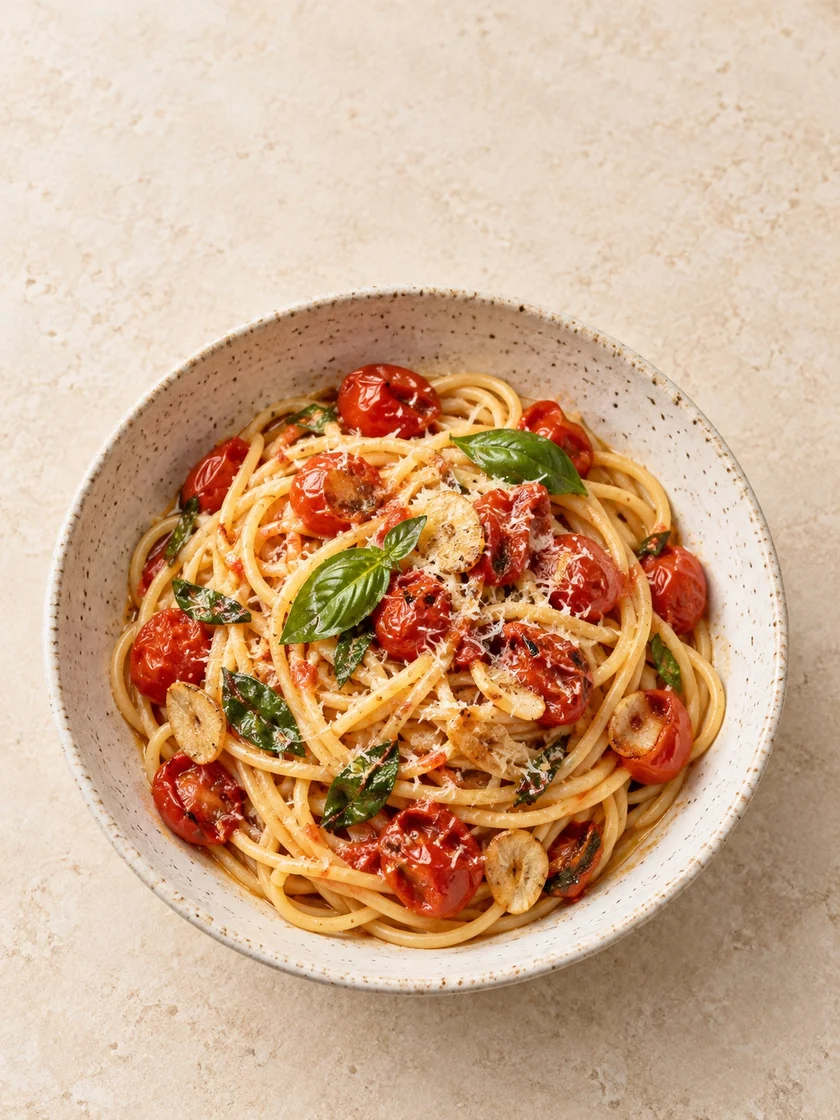
Tomato Basil Pasta
25 min · 2 servings
Core ingredients in your kitchen
A plan for the tomatoes that need using.
Check amounts, garlic and olive oil before cooking.
What matters for dinner tonight?
A different starting point for different evenings. Choose a collection when your kitchen has a matching recipe.
- Use soon
Give the tomatoes a plan.
Find recipes that use a core ingredient expiring in the next two days. Start with the food that needs your attention.
- No shopping
Start with what’s already there.
See recipes whose core ingredients are already tracked in your kitchen. Check your quantities and any pantry staples before cooking.
- Quick
Keep dinner within reach.
Find matching recipes with an estimated cooking time of 15 minutes or less. A collection appears when your ingredients have a matching recipe.
One idea. A clear path to dinner.
See why it fits your kitchen.
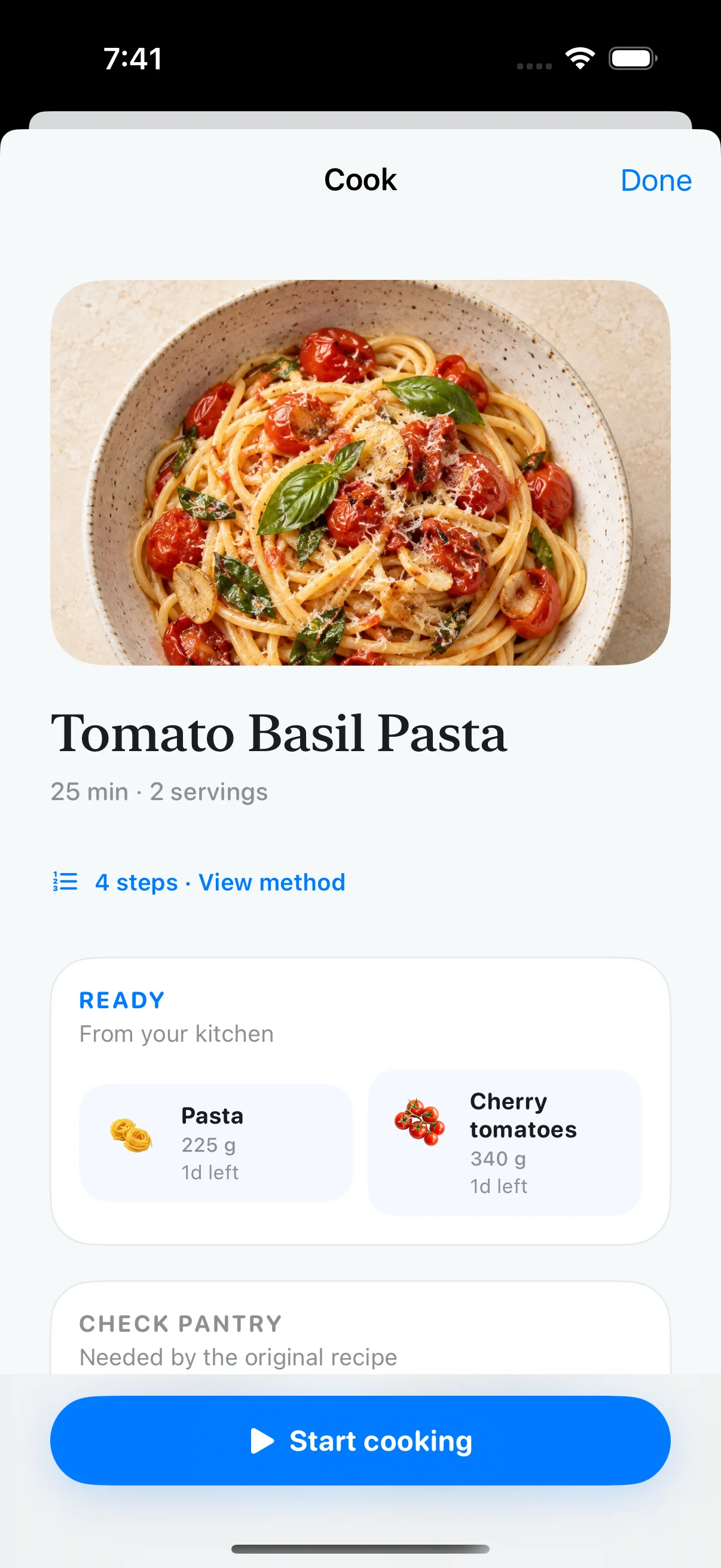
Tomato Basil Pasta starts with pasta and cherry tomatoes. Meal Ideas shows what’s tracked and brings ingredients that need using into the picture.
Pick up just what’s missing.
No pasta? Add it to your Shopping List from the recipe. Ingredients already on the list aren’t added again.
Explore recipe-to-list shoppingCheck the amounts. Start cooking.
The Cook view brings together quantities, pantry checks and cooking steps, with a link to the original recipe. This pasta takes about 25 minutes and serves two.
Keep what’s left in your kitchen.
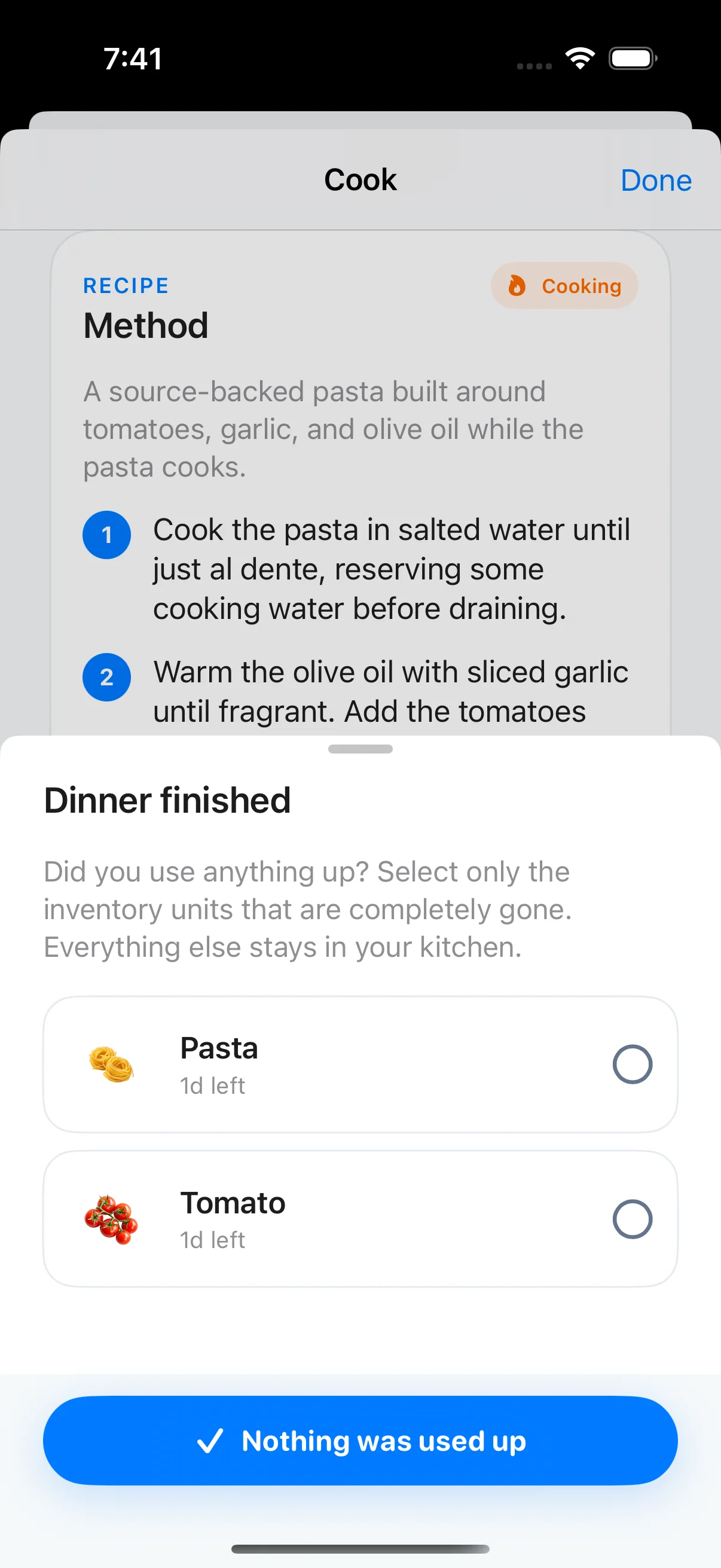
After dinner, choose only the inventory units you completely used up. Everything else stays put. You can also finish without changing inventory.
See the “Dinner finished” screen
A few things before you cook.
How ingredient matching, shopping and inventory work together.
How does Frespace find recipes from my ingredients?
Meal Ideas matches the active food you’ve recorded in your fridge and pantry to a reviewed recipe library. It shows the ingredients you have, what’s missing, and why a recipe fits. Expired items don’t count toward a match.
Does “No shopping” mean I have everything in the right amounts?
No shopping means a recipe’s core ingredients are tracked in your kitchen. Frespace does not guarantee you have enough of each ingredient. Check the recipe quantities and pantry staples, such as oil and garlic, before you start.
Can I add missing recipe ingredients to my shopping list?
Yes. Open the missing ingredients from a meal idea and add the remaining items to your Shopping List. Recipe ingredients already on the list aren’t added again. You can open that same list from the shopping note on Home.
Does cooking automatically remove food from my inventory?
No. After cooking, select only the individual inventory units that are completely used up. Everything else stays in your kitchen. You can also finish without changing your inventory.
Are these AI-generated recipes?
No. Meal Ideas matches your recorded ingredients to a reviewed recipe library on your device. The Cook view includes a link to the original recipe source.
What if there are no meal ideas for my kitchen?
Add or scan more ingredients and Frespace will look for another match. Your saved inventory stays in place. Use soon, No shopping, and Quick are available when the recorded ingredients have a matching recipe for that collection.
It starts with knowing what you have.
Scan groceries into Frespace, keep track of freshness, then let those ingredients guide your next meal.
Start with the fridge scanner Keep freshness in view