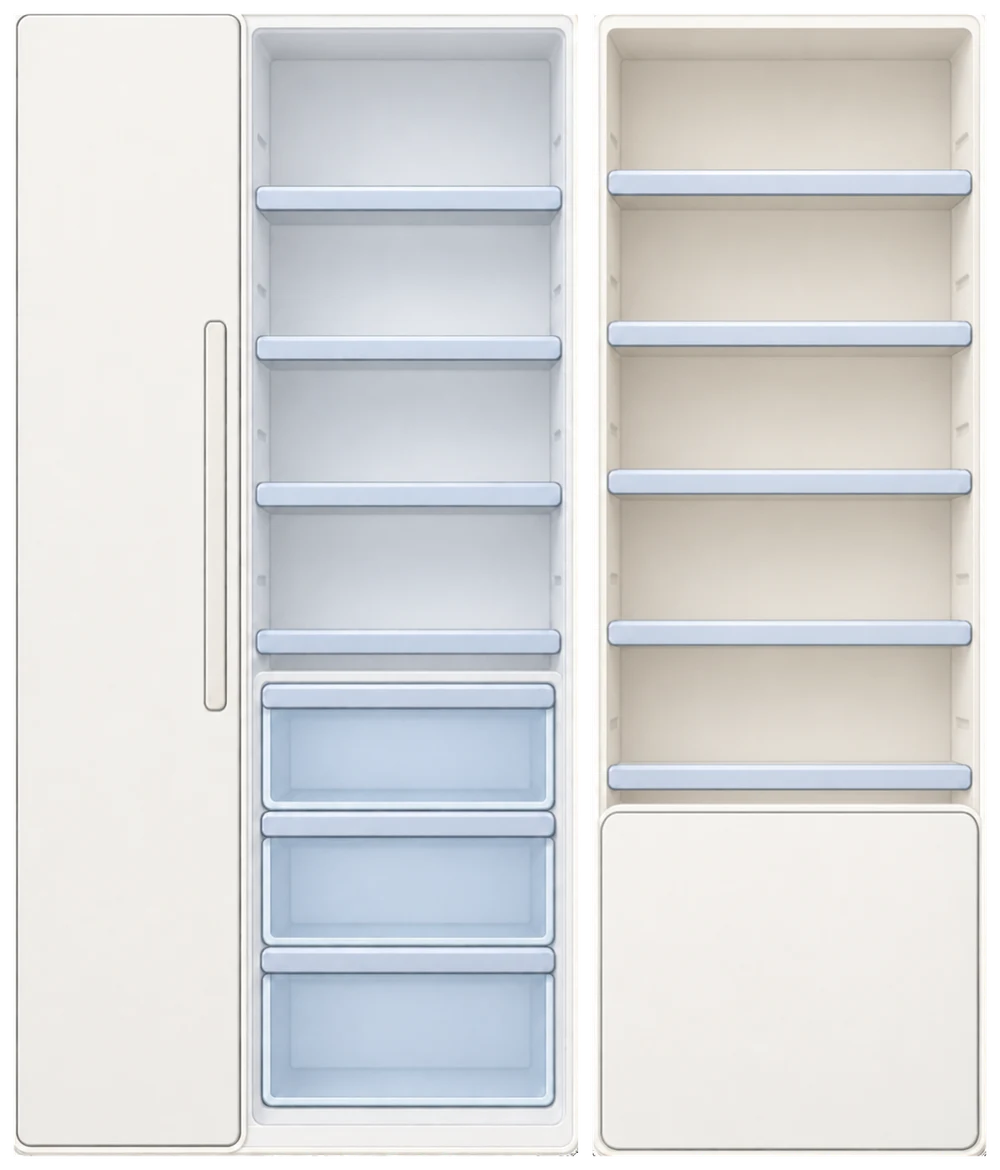
Your shopping list, right on your fridge.
Frespace puts your grocery shopping list on the fridge door in the app’s Home screen. Type what you need, ask Xamy to add it by voice, or bring over missing ingredients from Meal Ideas.
○ Milk○ Apples○ +1 more♡
Say it. Xamy adds it.
Milk, eggs, spinach. When you know what you need, say it to Xamy, Frespace’s voice companion.
- Tap Xamy.Start voice input from your Shopping List.
- Say what you need.Xamy listens while you name your groceries.
- Tap again to add.Xamy organizes the recognized items and adds them to the list, skipping items already there.
The interactive preview uses an example phrase. Voice input is available in the iOS app.

For the things you remember along the way.
- Type it in.
- Add an item whenever you notice something you need. Edit its name or remove it if plans change.
- Check it off.
- Mark an item when you get it. It leaves your list, with an option to undo.
- See what’s left.
- Back on Home, the fridge note shows the remaining count and a short preview of what’s still to buy.
A dinner idea. A shorter shopping list.
Your tomatoes could become Tomato Basil Pasta. If you’re missing pasta, add it from the recipe to your Shopping List.
Review what you have and what you still need. Corresponding ingredients already on the list aren’t added again. Open that same list from the recipe or the note on Home.
Find meal ideas from your ingredients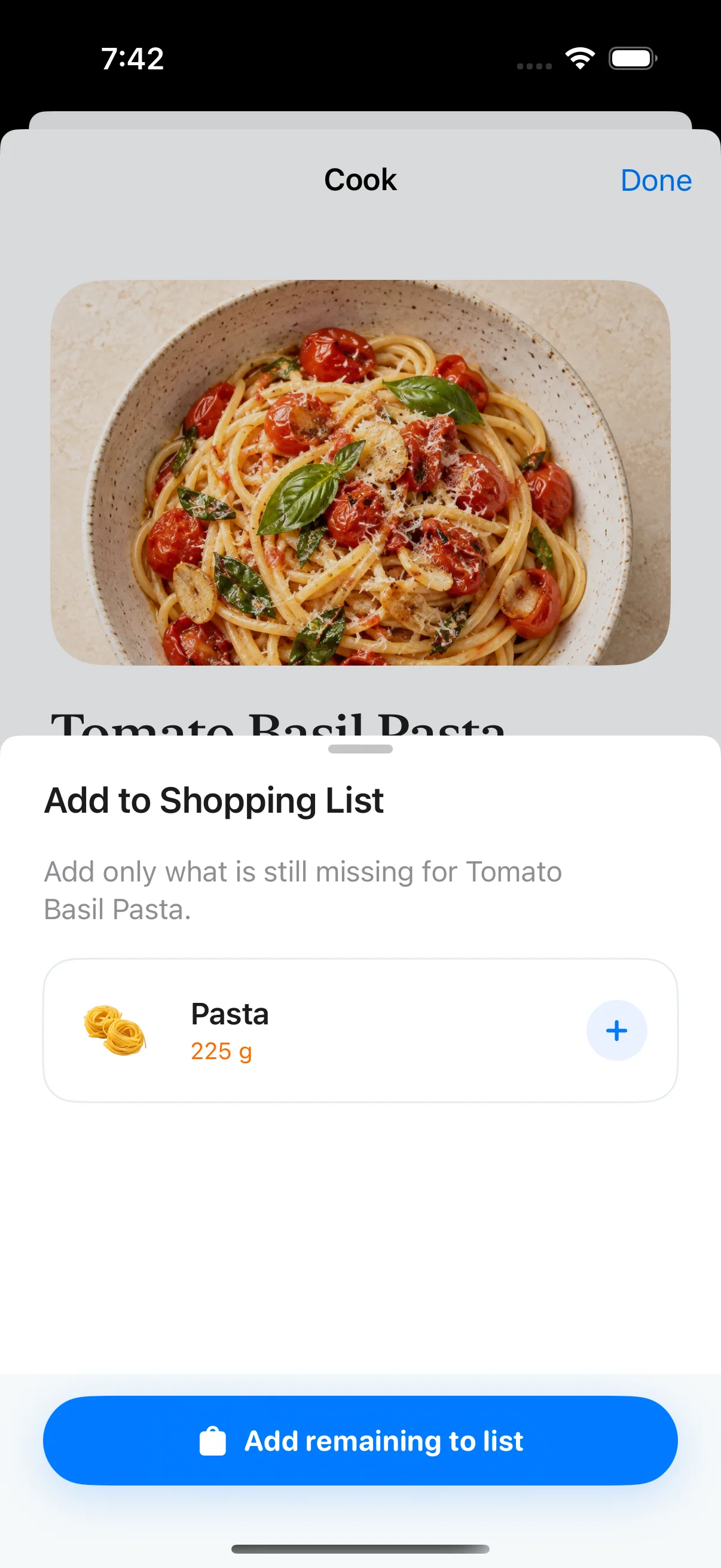
Bought it? Bring it into your kitchen.
Checking an item off completes a shopping task. Scan or add your groceries separately to record what’s now in your fridge and pantry.
Frespace also checks your list against active inventory. When it finds the same item name, it removes that shopping item. Differently named items may still need a manual check.
See how grocery scanning worksBefore your next shop.
How the note, Xamy, recipes and inventory fit together.
Where do I find my shopping list in Frespace?
Tap the shopping note on the fridge door in the app’s Home screen. It shows the number of items still to buy and a short preview. The note opens your full Shopping List.
Can I add groceries by voice?
Yes. Tap Xamy in Shopping List, say the items you need, then tap again to finish. Xamy organizes the recognized items and adds them to your list. Voice items already on the list are skipped. You can also type items into the Add an item field.
Can I add missing ingredients from a recipe?
Yes. Open a recipe in Meal Ideas, review its missing ingredients, and add what you need to Shopping List. Corresponding recipe ingredients already on your list are not added again. These items appear in the same list you open from Home.
Does checking an item off add it to my fridge inventory?
Checking an item off completes that shopping task and removes it from the list, with an option to undo. To record food you bought, scan or add it to your inventory separately. Checking a shopping item does not create an inventory item.
Why did an item disappear after I recorded my groceries?
Frespace checks your shopping list against active inventory. When an inventory item has the same name as a shopping item, that shopping item is removed. This matches names, so differently named items may still need to be checked off manually.